How it works.
The coach invites you
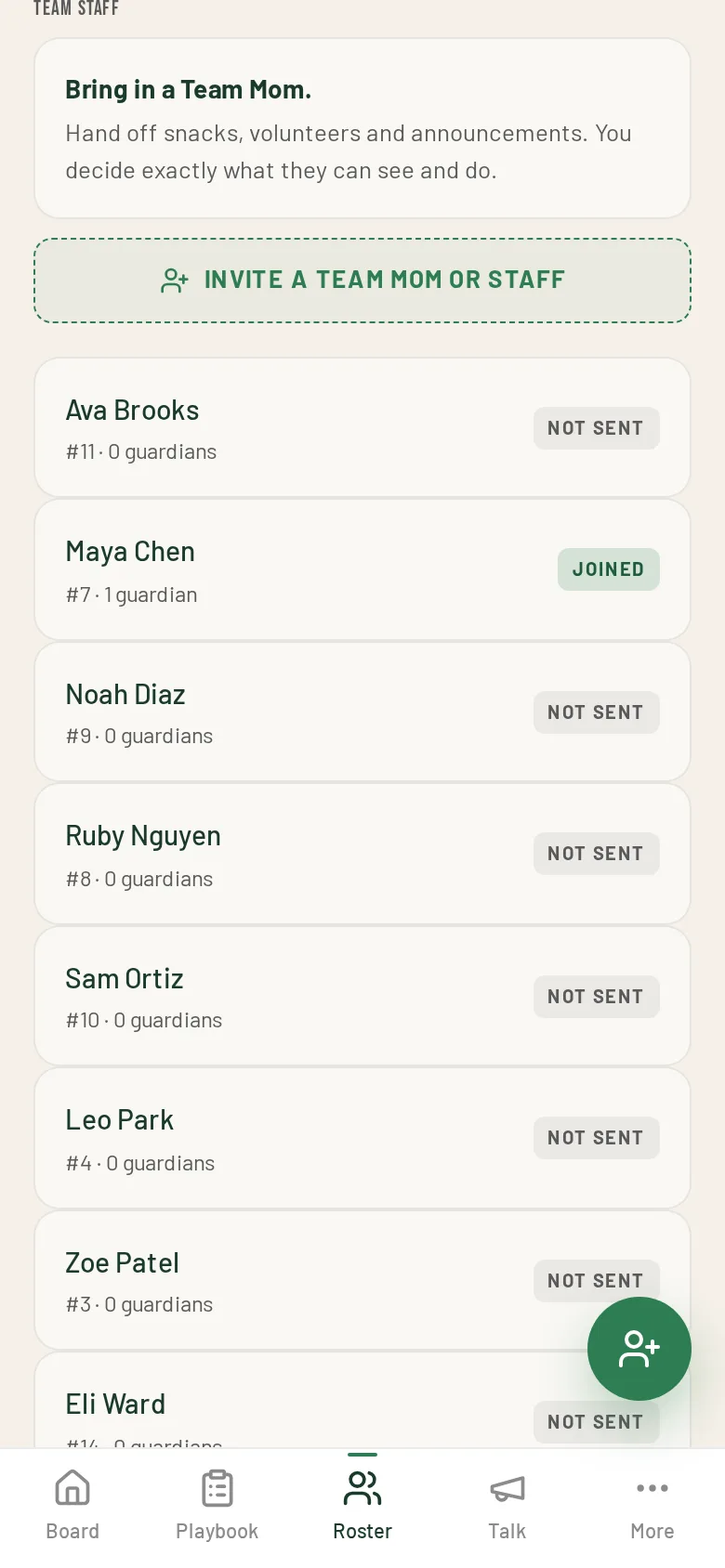
FreeFrom the Roster, the coach taps Invite a Team Mom or Staff and picks a role: Team Mom, Team Dad, coordinator or assistant coach. You accept from the email link.
Run volunteers and snacks
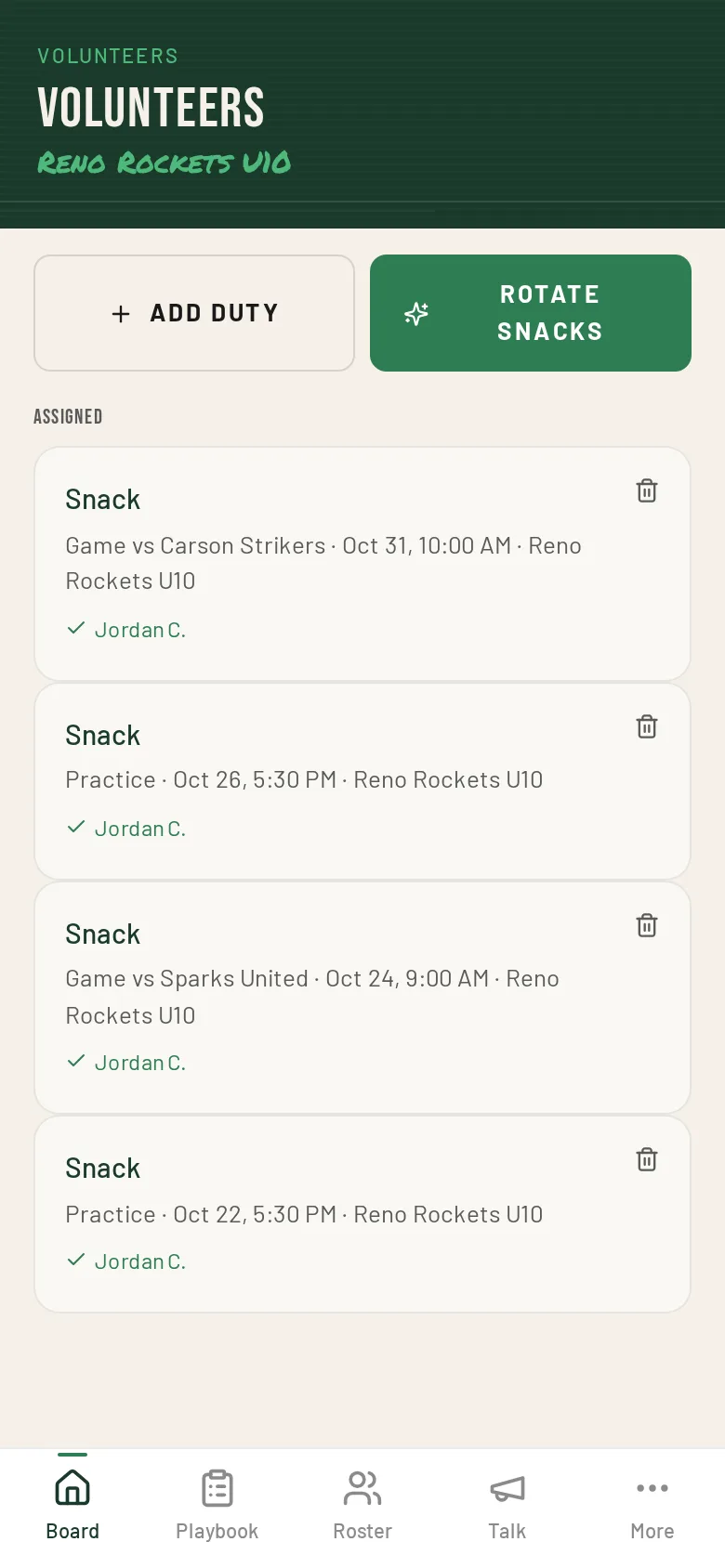
ChalkboardWith volunteer access you can rotate snack duty across families in one tap or post duties parents claim. Volunteer tools need The Chalkboard on the team.
Post team updates
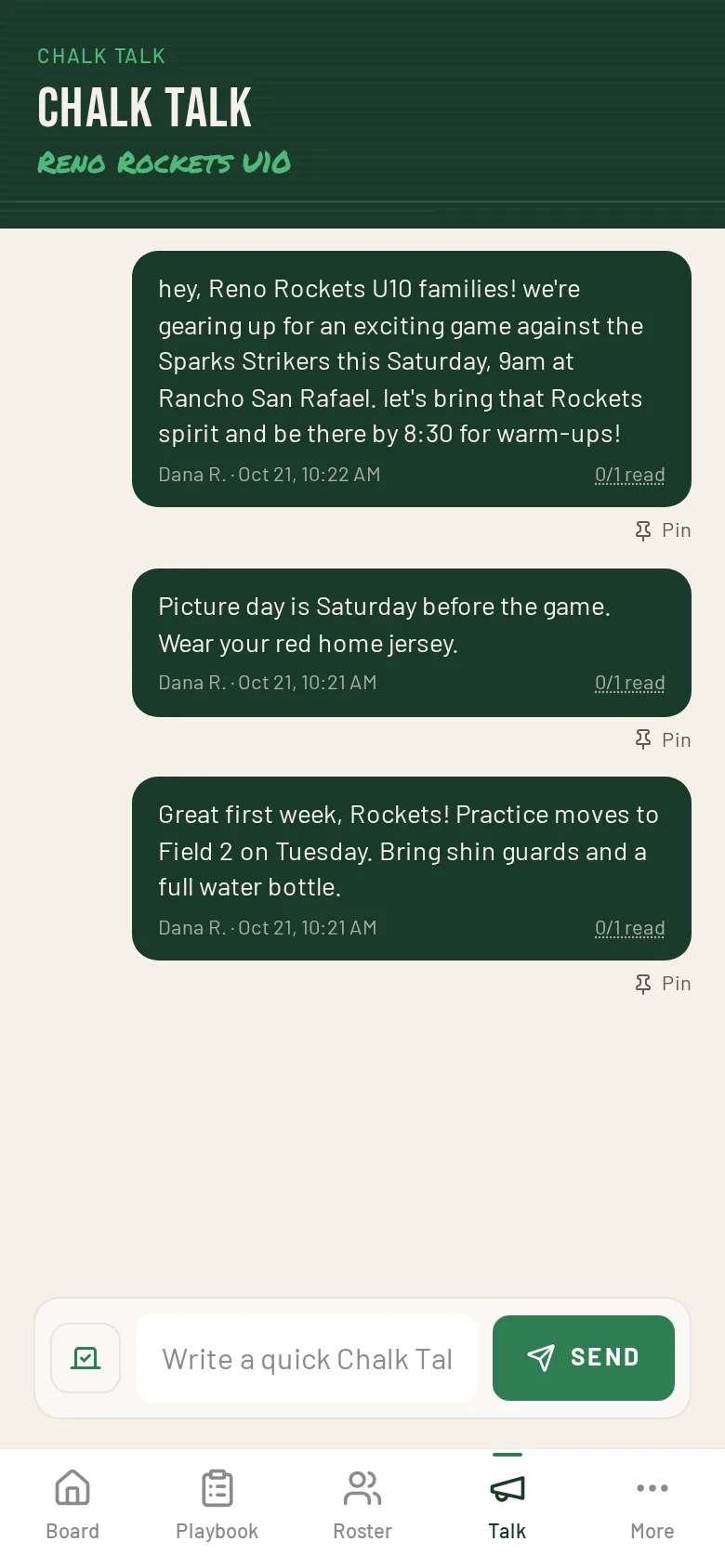
FreeWith Chalk Talk access you can post announcements to families and see how many have read them.
How staff access works.
Invite a Team Mom, Team Dad, coordinator or assistant coach. One on Pickup, up to three on The Chalkboard.
Post Chalk Talk and manage volunteers are on by default. Posting events, cancelling, managing the roster, contacts and medical info are off until you turn them on.
Staff get an email link that expires in 7 days and accept with the same email address.
A parent on the team keeps their family view and gets staff tools on top.
Medical notes are only shared with staff after you confirm it on purpose.
Rotate snack duty across families in one tap, or post duties parents claim first-come.
Team announcements and quick polls, with push and email alerts, read counts and pinned posts.
Who else is on the field.
Schedule, Erase and Redraw, Chalk Talk and Draw It Up.
See howYour kids' plans, one-tap RSVPs and alerts that actually reach you.
See howTeam Moms, Dads and coordinators with the access the coach picks.
See howLeague-wide broadcasts and an overview of every team.
See how